
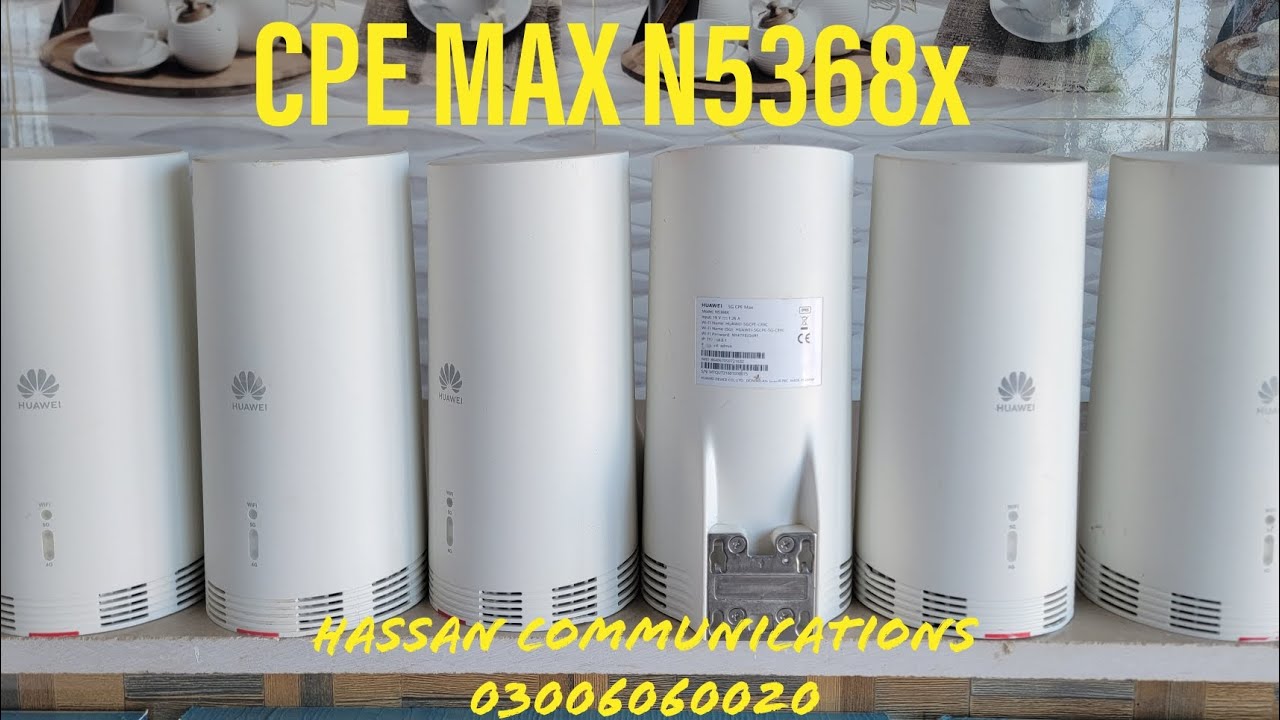
Huawei N5368X CPE Max is a powerful 5G/LTE router, but to get the best internet speed and stable performance, proper network tuning is essential. Features like Band Lock, Frequency Lock, and PCI Lock allow users to control how the router connects to nearby cellular towers instead of switching automatically between weak signals.
In this tutorial, we explain what Band Lock, Frequency Lock, and PCI Lock are, why they are important, and how to configure them correctly on Huawei N5368X CPE Max. These settings are especially useful for users facing signal fluctuation, slow speeds, or unstable connections.
This guide is ideal for:
- 4G / 5G advanced users
- ISP technicians
- Home users wanting maximum speed
- People using Huawei CPE for gaming, streaming, or work
The explanation is provided in Urdu / Hindi, making it easy to understand even for beginners. Follow the step-by-step process shown in the video below to safely apply these locks and optimize your router’s performance.
👇 Watch the full video tutorial below for complete practical demonstration.